

Service businesses / Custom booking journeys
Booking website development
Let customers choose the right service, understand the options, and reach your booking system without losing your brand along the way.
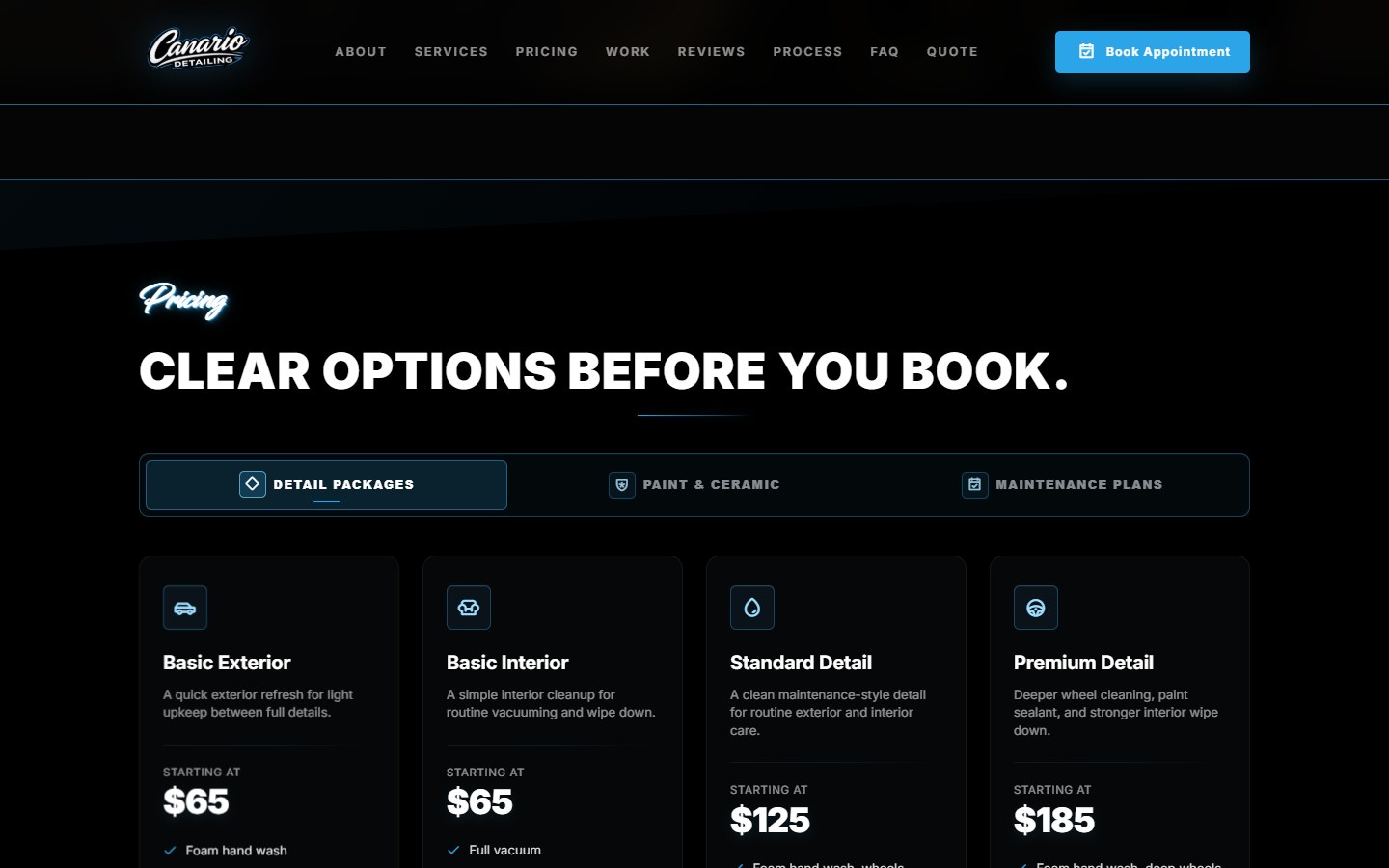
Canario Detailing / Custom frontend + Wix backend
One journey, two connected systems.
Canario needed its website and Wix booking setup to agree on services, package pricing, vehicle choices, and optional extras. DVS built the branded frontend and worked through the service-to-booking handoff.
Still choosing the first step? Compare online booking vs a contact form for services that can be scheduled directly or need review first.
Choose a package.
Present services clearly before asking for scheduling details. The service shown on the website must correspond to the intended backend service.
Choose relevant extras.
Vehicle selections and add-ons can affect the booking summary and price. Define the supported combinations and test them against the backend configuration.
Review and book.
Keep the selected service and extras clear as the customer moves into booking. Availability, confirmations, payment behavior, and changes depend on the agreed backend setup.
The details matter
Your choices, carried into booking.
Package, vehicle, add-ons, and the estimated total stay together in the review before the service-specific Wix handoff. Wix handles availability and final booking confirmation.
See Canario's booking flowKeep Wix. Shape the journey.
Wix Bookings already supports services and add-ons. Native setup may be enough; custom development is not required just to offer extras. Still choosing a platform? Our Shopify vs Wix comparison covers products, appointments and ongoing costs. Our guide to keeping Wix Bookings during a redesign covers the handoff.
Canario's custom website handles package and vehicle choices, add-ons, and an estimate before handing off to Wix. Bring your service list and the steps customers find difficult.
Can I keep Wix as the booking backend?
Yes, where your setup supports it. Canario keeps Wix behind booking while its custom website handles package, vehicle, add-on, and estimate selection. We check your services, access, and required handoff before scoping the work.
Can pricing depend on service choices or add-ons?
Wix supports native add-ons, and Canario demonstrates vehicle-based estimates and package-specific extras. We agree which rules belong in the website or booking backend, then test the estimate against the booking setup.
Will a new website replace my calendar or payment system?
Not automatically. The quote should identify which system owns availability, customer records, payments, reminders, cancellations, and refunds. Those are separate requirements, not assumed inclusions.
What will this cost?
A connected booking website receives a custom quote. A standard site with a link to an existing booking page is a different scope from a custom service selector and backend integration.
What's included in my build?
The build covers the pages, features, integrations, and launch work agreed in your quote. If you need something beyond that scope, we'll discuss the work and any pricing before going ahead.
Can I get access and a video walkthrough?
Yes. You can request access to your project's domain and hosting or server. If the site uses a website builder, full builder access is available on request. We can also record video walkthroughs for specific tasks or features.
Can I make simple changes myself?
You can use the editing tools your platform provides. A dashboard for selected content or settings can be scoped on request. It is optional, with pricing based on the controls you need.
What happens after launch?
We stay available to help with bugs, small inconsistencies, and minor fixes on the website we built. For new features or larger changes, we'll discuss the work and any pricing with you before proceeding.
Let's work through your idea.
Share your current website, the customer journey, and what needs to work differently.

